How to upgrade desktop RAM
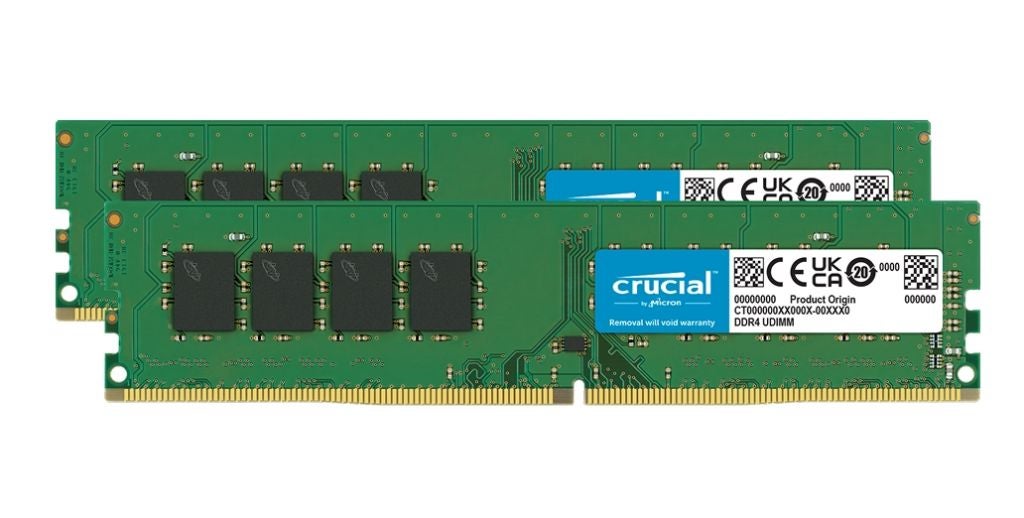
Adding memory (RAM) to your desktop computer can instantly make your computer faster, increase system responsiveness, and make multitasking seamless.
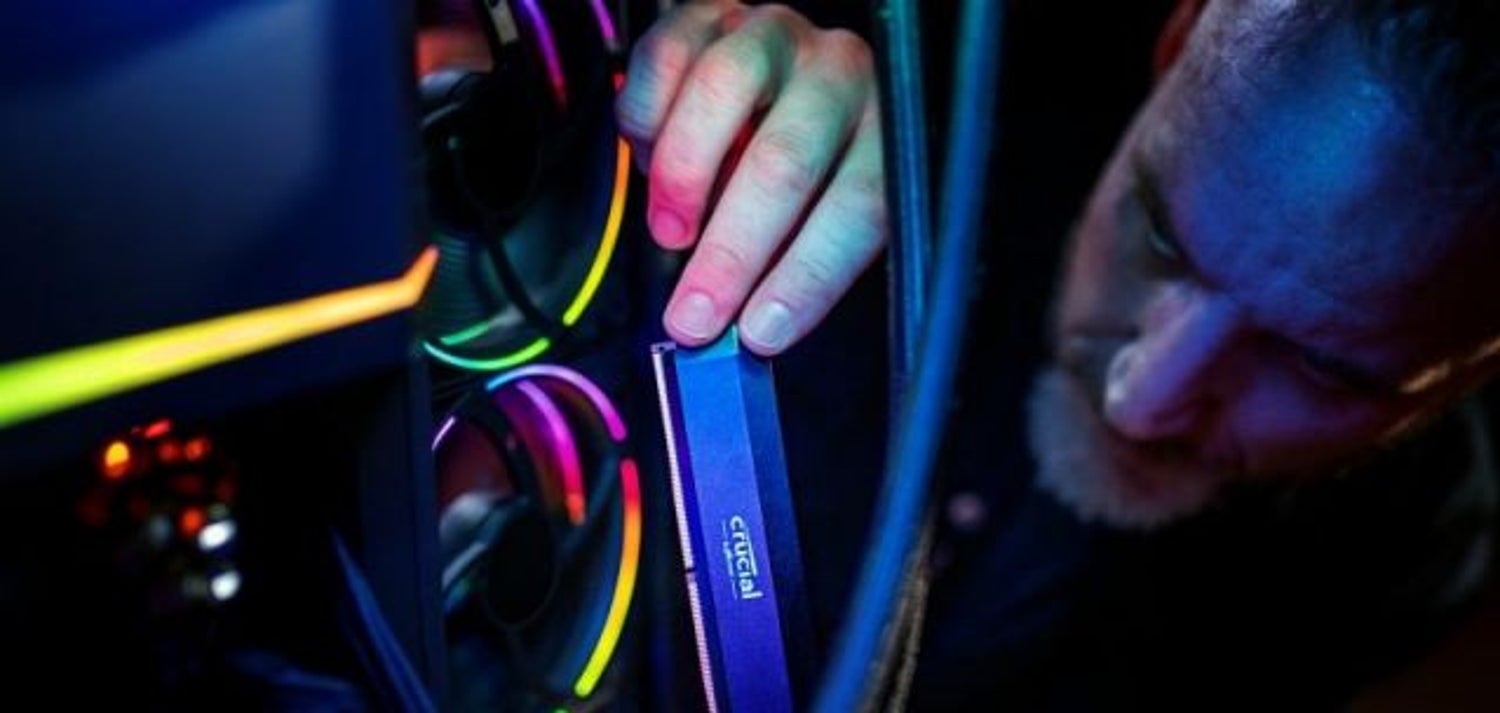
You did your research and chose Crucial — a brand that’s known for quality, reliability and performance! So, what’s next? How about expert support to help you install your products! Choose your product category to get started.
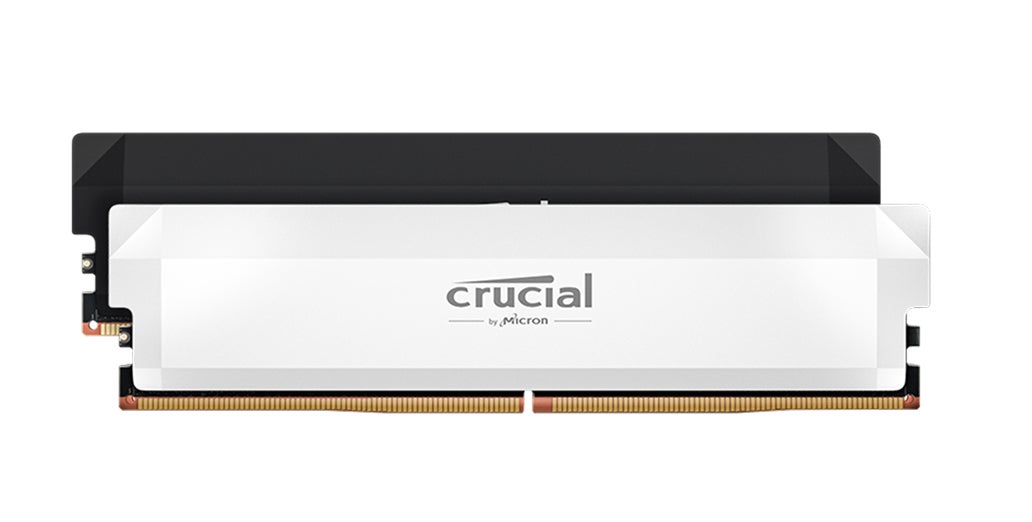
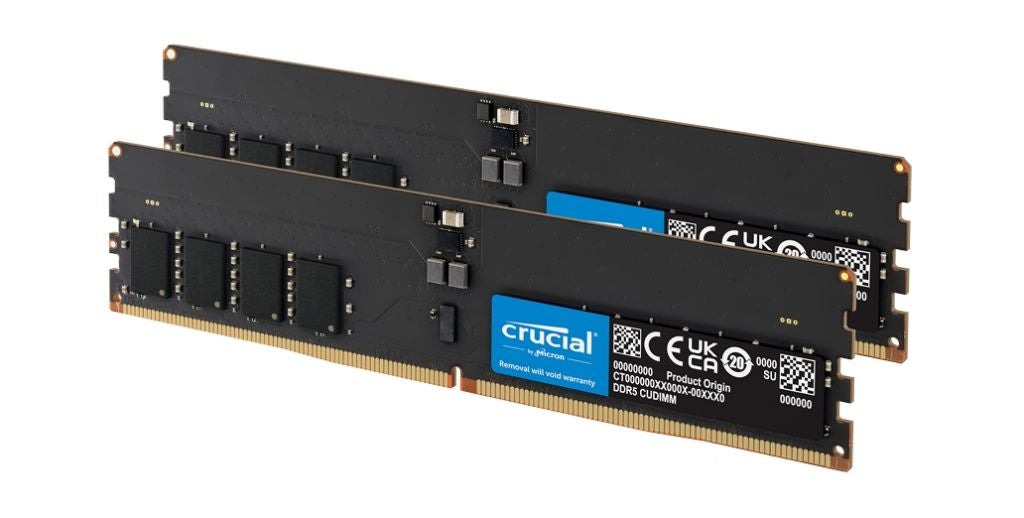
Beat the clock and outplay your opponents with the low-latency and ultra-responsiveness of DDR5 Pro OC Gaming DRAM. A new world of gaming performance is just an install away.
Adding memory (RAM) to your desktop computer can instantly make your computer faster, increase system responsiveness, and make multitasking seamless.
When your computer can’t meet the demands of your game, it might be time to research and find out how to build your own gaming PC.
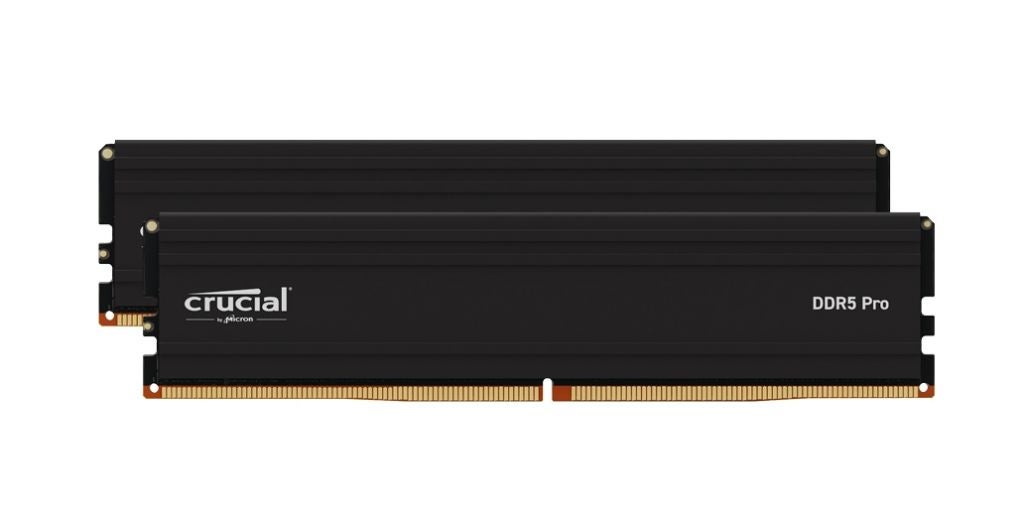
High-performance DDR5 Pro DRAM increases responsiveness, improves multitasking abilities and can even extend the life of your system. Bring on all of your open tabs. We got you!
Adding memory (RAM) to your desktop computer can instantly make your computer faster, increase system responsiveness, and make multitasking seamless.
When your computer can’t meet the demands of your game, it might be time to research and find out how to build your own gaming PC.
When comparing two memory technologies, it is important to evaluate not only the speed increase of the new technology, but also the underlying architecture.
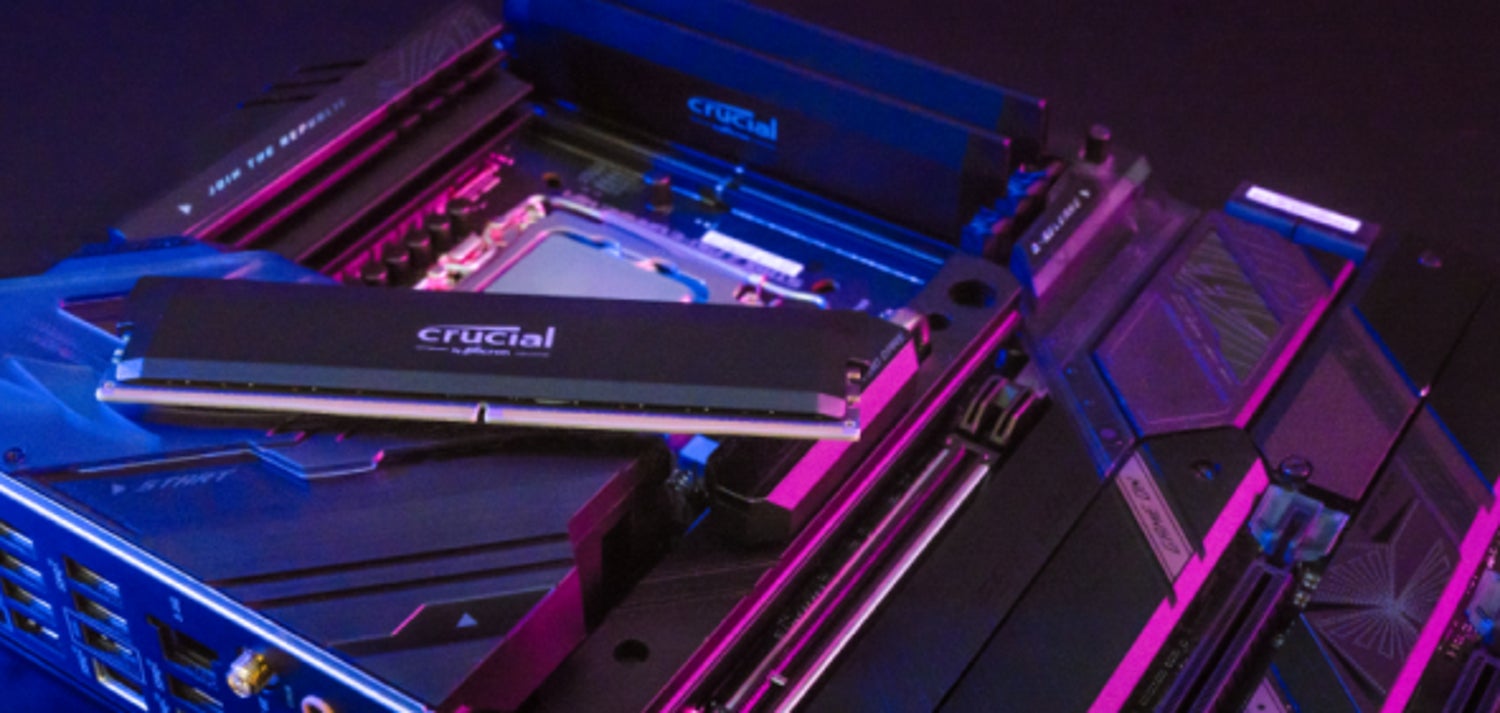
Designed to deliver impressive performance with faster speeds, improved efficiency and enhanced stability, your DDR5 memory upgrade will accelerate everything.
Adding memory (RAM) to your desktop computer can instantly make your computer faster, increase system responsiveness, and make multitasking seamless.
When your computer can’t meet the demands of your game, it might be time to research and find out how to build your own gaming PC.
When comparing two memory technologies, it is important to evaluate not only the speed increase of the new technology, but also the underlying architecture.
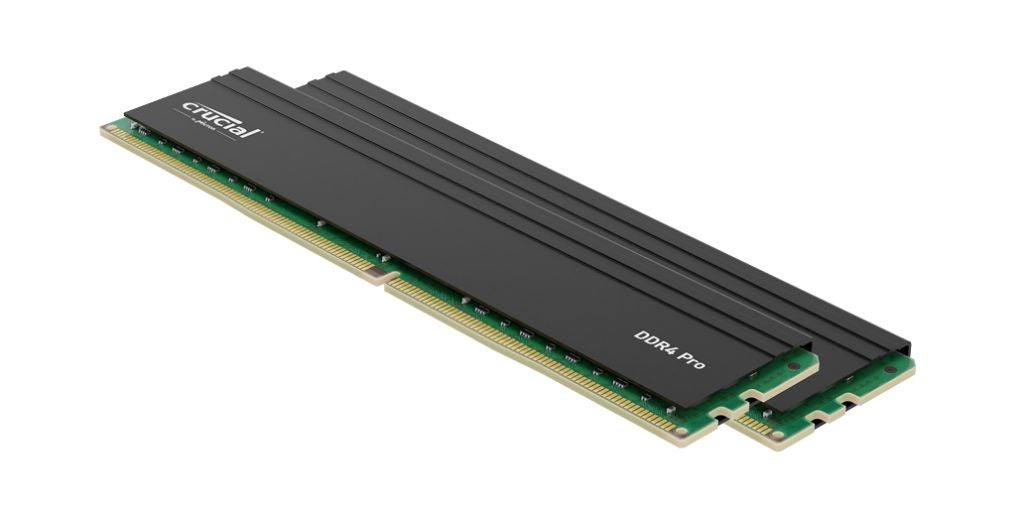
Are you ready to achieve faster load times, seamless multitasking and superior responsiveness for your DDR4 system? Crucial DDR4 Pro DRAM is manufactured for dependable and consistent performance.
Adding memory (RAM) to your desktop computer can instantly make your computer faster, increase system responsiveness, and make multitasking seamless.
RAM (Random-access memory) is an essential component of your computer.
When comparing two memory technologies, it is important to evaluate not only the speed increase of the new technology, but also the underlying architecture.
Are you ready to achieve faster load times, seamless multitasking and superior responsiveness for your DDR4 system? Crucial DDR4 Pro DRAM is manufactured for dependable and consistent performance.
Adding memory (RAM) to your desktop computer can instantly make your computer faster, increase system responsiveness, and make multitasking seamless.
RAM (Random-access memory) is an essential component of your computer.
When comparing two memory technologies, it is important to evaluate not only the speed increase of the new technology, but also the underlying architecture.
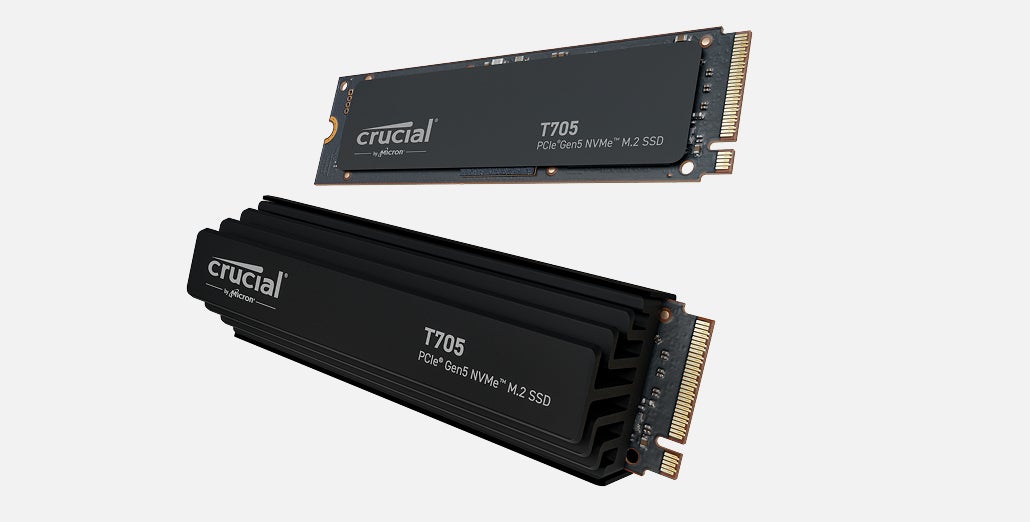
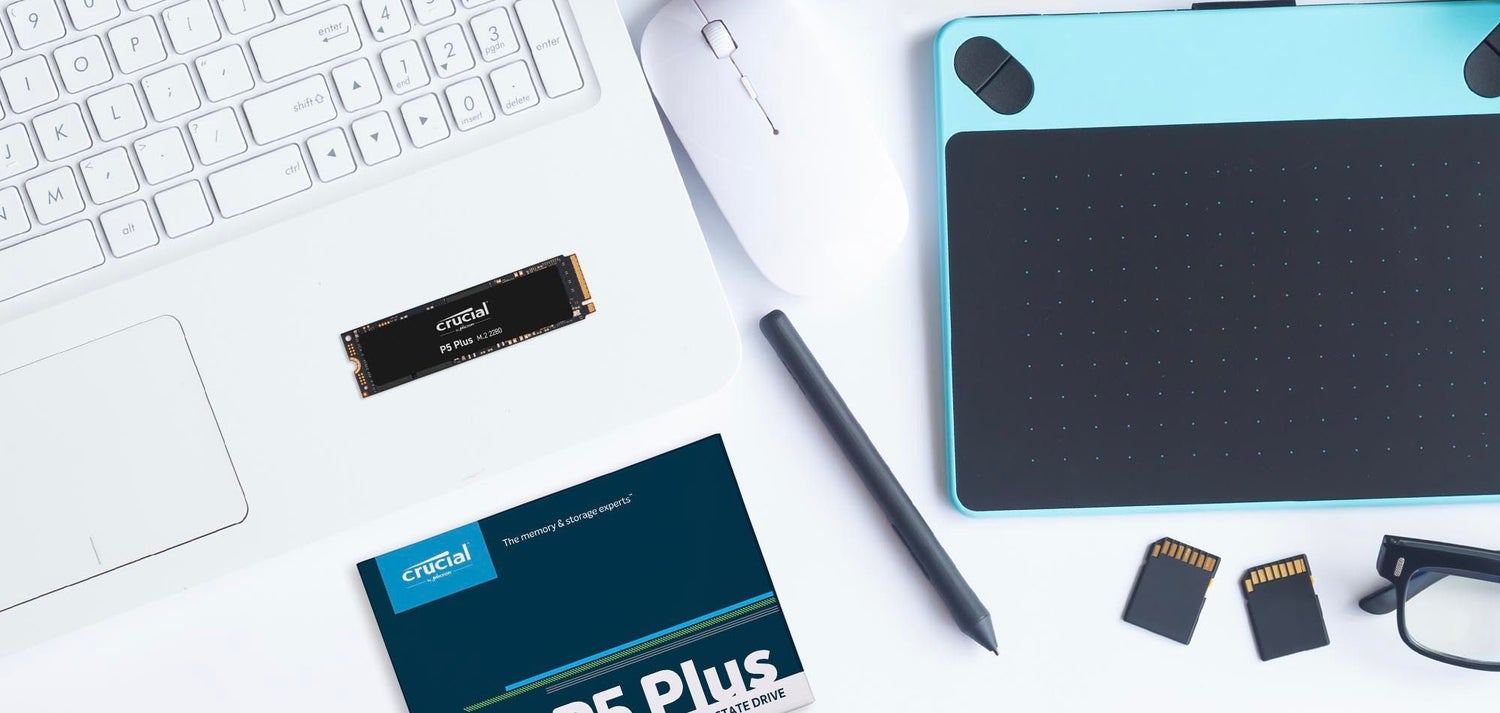
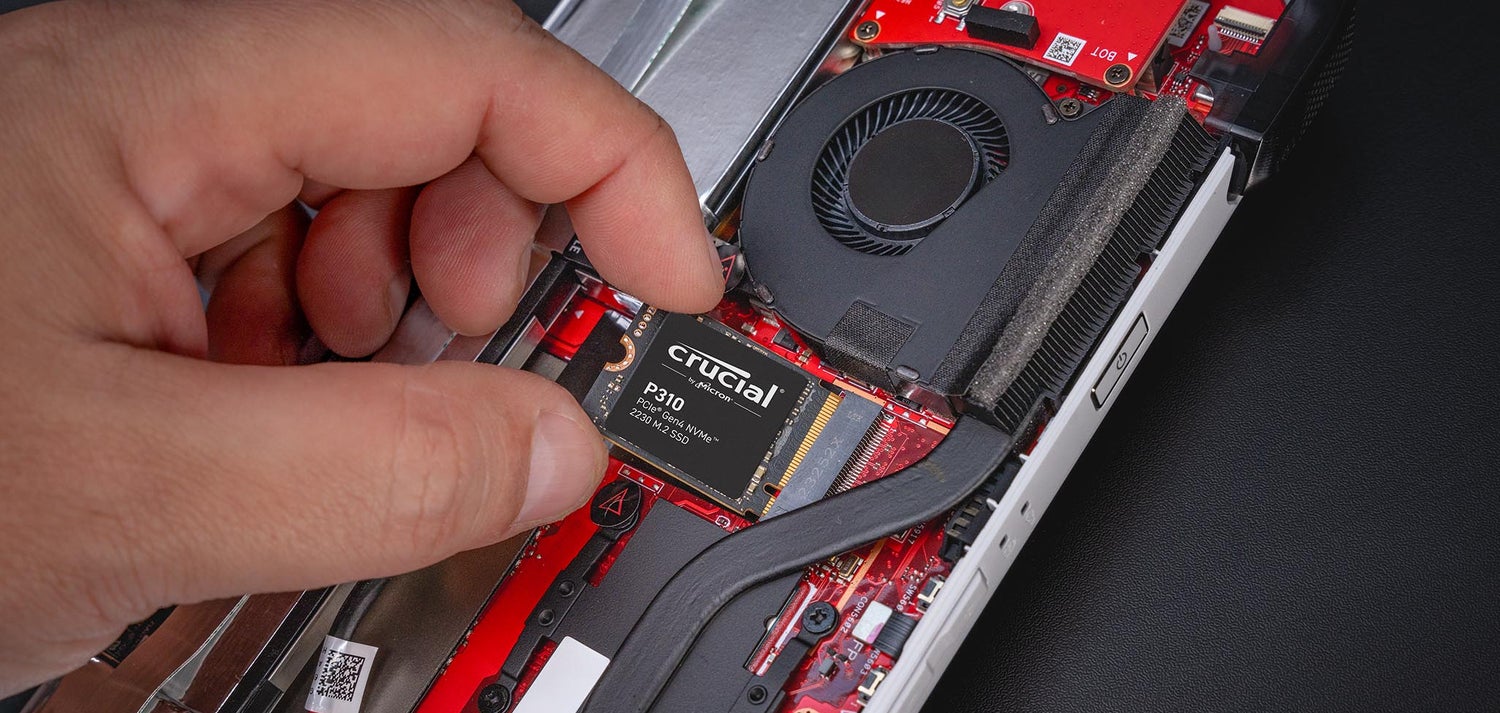
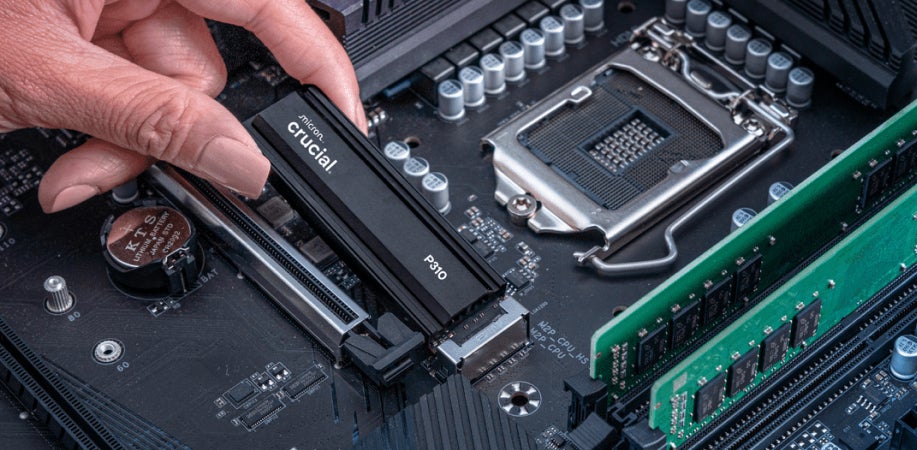
Ready for lightning-fast access to more of your favorite files in a durable, dependable drive built on the latest technology? Crucial NVMe® SSDs are the perfect storage solution for your laptop, desktop, workstation or new build.
If you want to enhance the performance of your laptop, or extend the lifespan of an old PC, then consider installing a new SSD.
Formatting (actually re-formatting) a solid state drive (SSD) is a quick and simple process to restore the drive to a clean state, similar to when the drive was new.
This free downloadable tool enables your Crucial SSD to become even faster and allows it to get periodic updates so it’s constantly performing at its best.
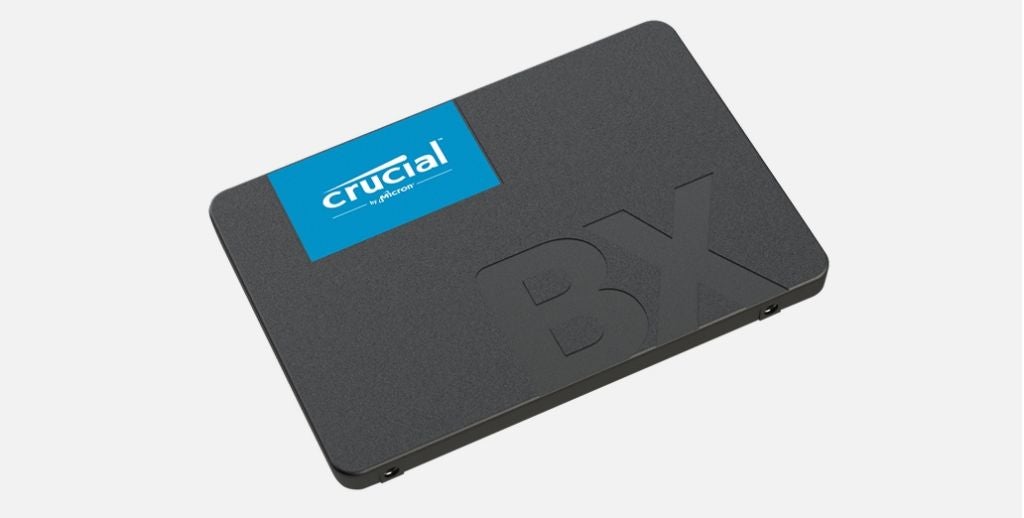
Boost your system's performance with Crucial SATA SSDs, offering faster boot times, quick file transfers and reliable storage for all of your data needs. Say goodbye to the slow and noisy performance of traditional HDDs.
Increase the overall speed of your PC, the time it takes to boot and load programs by following our simple guide to installing a solid state drive.
This free downloadable tool enables your Crucial SSD to become even faster and allows it to get periodic updates so it’s constantly performing at its best.
The software suite that can clone drives, backup your operating system, applications, settings and all of your data
When you need fast dependable storage on the go, Crucial portable SSDs are the answer. In generous capacities, with blazing speeds and durable features such as splash, dust and drop resistance, Crucial portable SSDs are the best way to add storage to your favorite devices with an easy USB connection.
While iPads® are useful, handy, and often required for work, they don’t offer much in terms of storage. Since the release of iPadOS™, users have been able to attach extra storage in the form of external hard drives, making it possible to save and access more files than ever before.
Have you ever wondered how to format a USB on Mac®? Fear not! Formatting USB drives on a Mac is actually a simple process.
Shopping for a good external SSD for your laptop? Let’s explore everything you need to know to make the best decision.
For nearly three decades, these unique tools have helped millions of people pick the best memory and storage for their upgrades and builds.
Guided selection of your system from our comprehensive list of computers
The fastest, easiest way to improve system performance.
Both internal and external SSDs have become larger, faster, and more affordable in recent years. But which is best for you: an internal or external SSD? And which is faster?
So how much RAM does your computer need? Can you function with only 4GB of memory, or do you need to upgrade to 64GB of memory? Let’s find out!
Are you having problems with your new memory upgrade? The following guide addresses the most commonly reported errors our customers may see and their possible solutions.
We’re here to help. For 24/7 live chat, friendly phone support, warranty information and more, visit our customer support page.